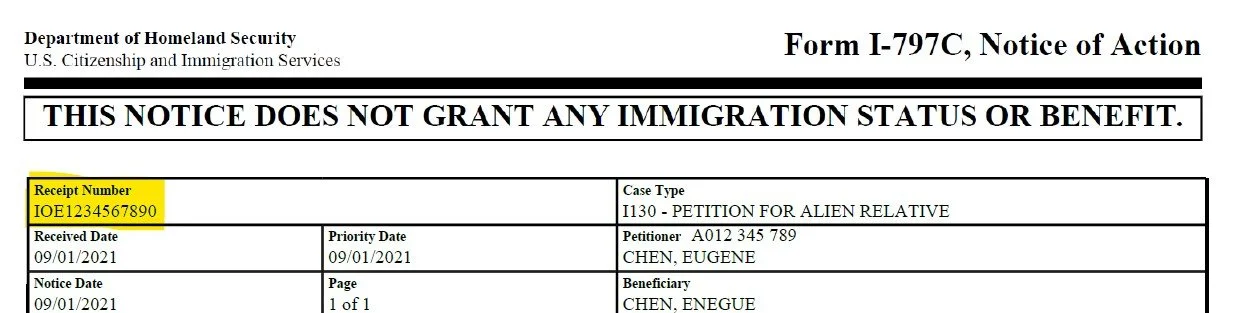
Locate your Receipt Number
After USCIS receives your application, they mail you an
I-797 Notice of Action. The Receipt Number appears
in the upper-left corner—three letters plus ten digits
(e.g., IOE1234567890).
This number is your unique identifier across all USCIS online tools—keep it safe.
▲ USCIS Case Status home page
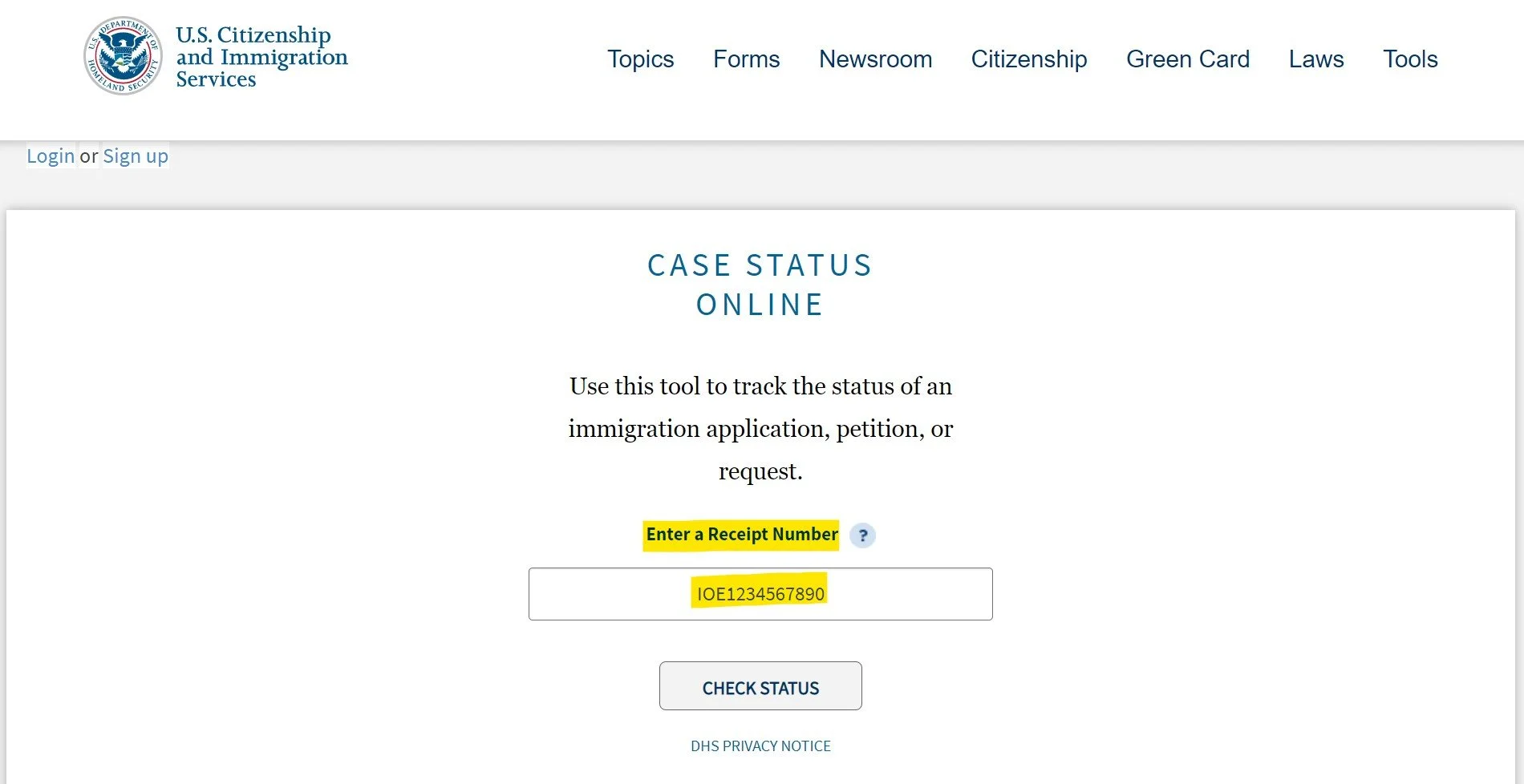
Look up your case online
Use the USCIS Case Status tool. Enter your Receipt Number to see your case's current status, the most recent update, and what step comes next.
▲ Sample lookup result after entering Receipt Number
USCIS Case Status →Register a myUSCIS account (select cases)
Some applicants receive an online access invitation letter from USCIS to manage their case through myUSCIS.
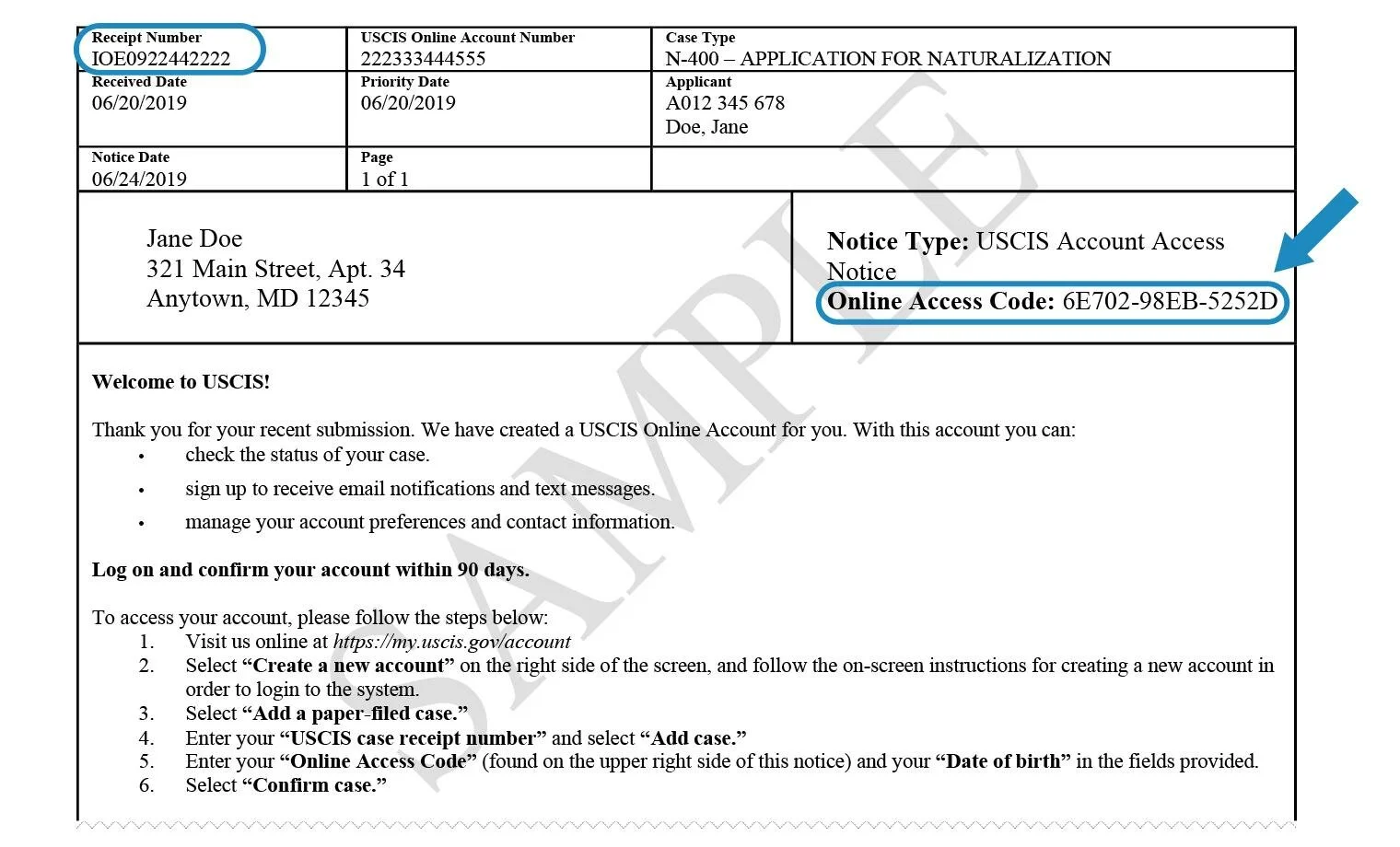
▲ myUSCIS online access invitation code
If your invitation code has expired, request a new one here:
USCIS — Get a New Online Access Code →If you never received an invitation code, request one to be re-sent here:
myUSCIS — Request Resend →Check expected processing time
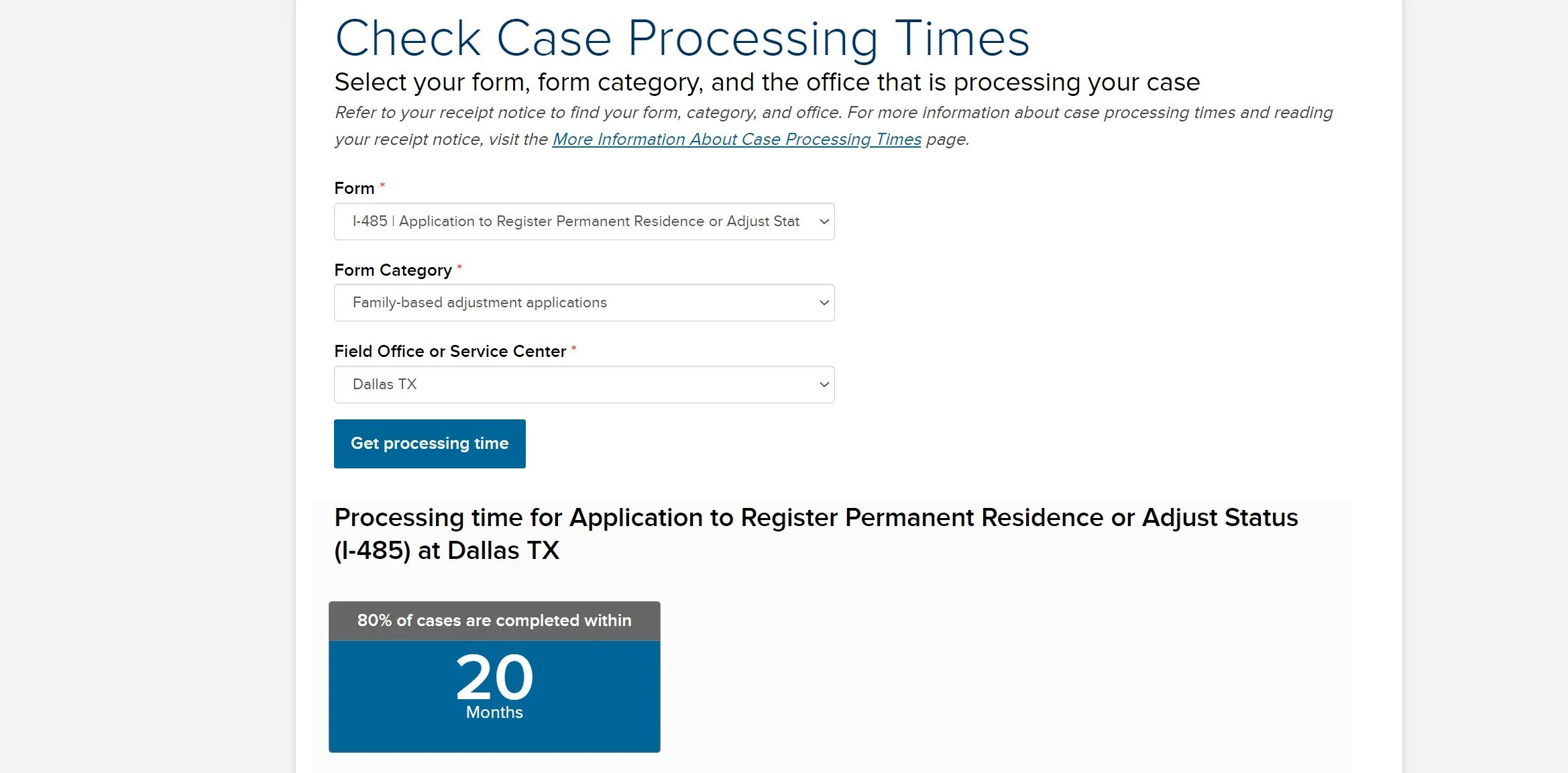
USCIS Processing Times shows you the estimated processing window for your form type at the service center handling your case.
▲ Case current status and latest update
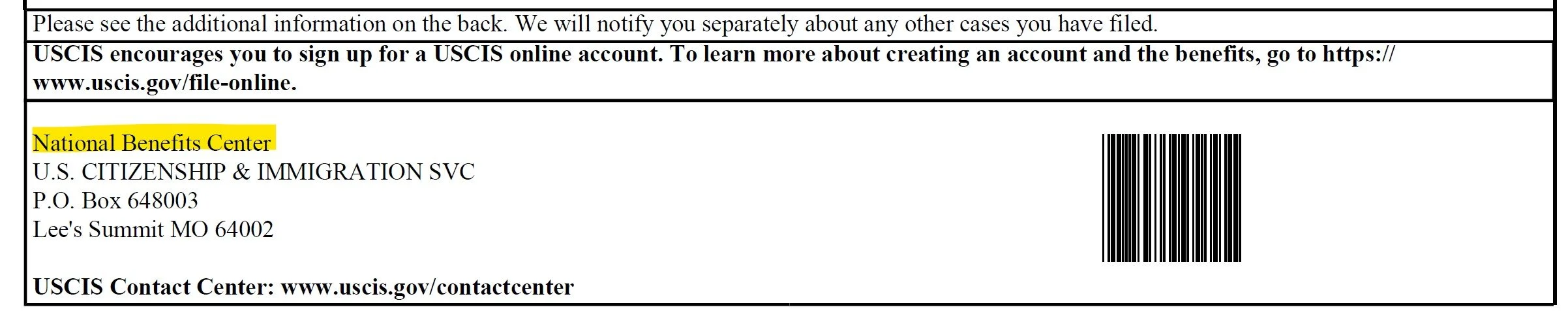
▲ Find your processing office on the lower-left of the receipt notice
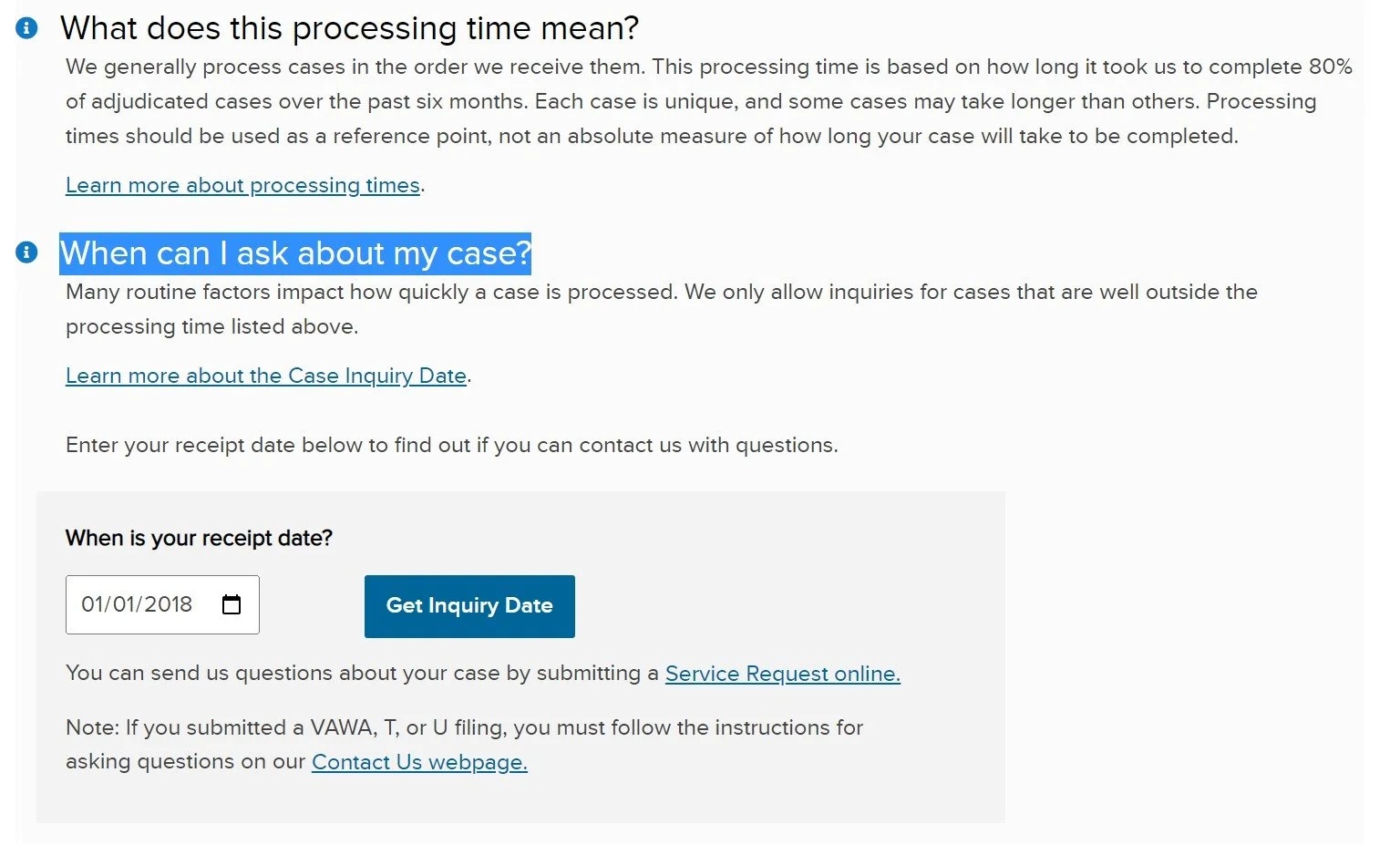
▲ Processing Times — estimated wait window
You'll need:
- Form type (e.g., I-485, I-130, I-765)
- Service center (printed on your I-797 Receipt)
What if your case is past normal processing time?
USCIS lets you submit a Service Request when your case has been pending longer than the published processing time.
USCIS typically responds within 1 to 3 months. If there's no response after three months, consult an attorney about further options—including a Mandamus action in federal court.
Book a Consultation →Note: Online status sometimes lags behind paper notices. If you've already received an approval letter or other paper notice from USCIS, that document is authoritative—forward a copy to your attorney for the file.